

Localization
Two independent layers localize a panel: the chrome (cartapel's own UI — buttons, menus, empty states) and your data labels (table, field, group and action names, which come from your config). Both follow the language the viewer is reading in — one instance serves a Spanish-speaking support team and an English-speaking ops team at the same time.
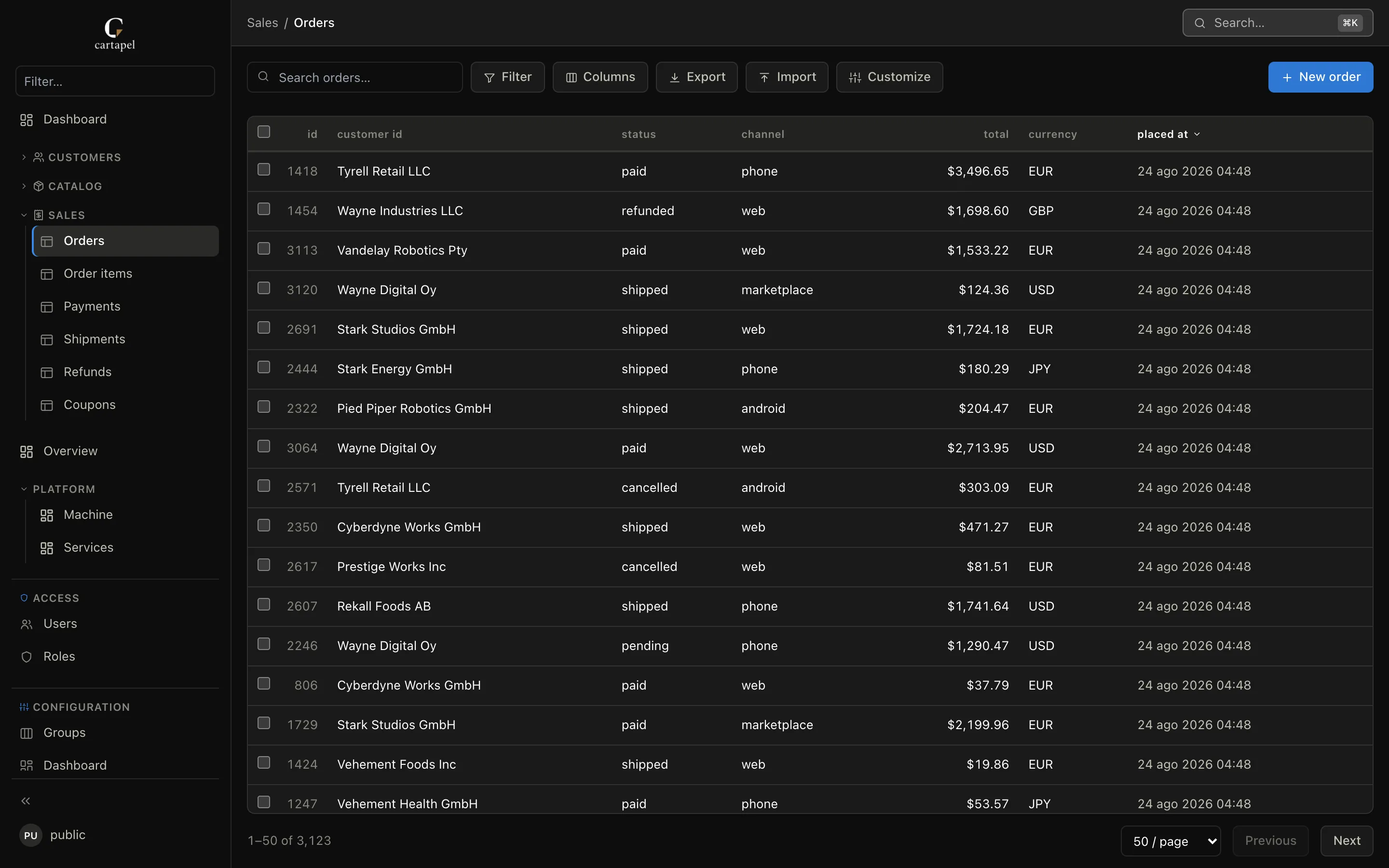
Which language a viewer gets
In order, the first that applies:
- Their own pick — Language in the user menu, remembered in the browser.
- The browser's language (
Accept-Languageorder), when it is one the panel ships. - The instance default,
localeinconfig/cartapel.hcl. - English.
# config/cartapel.hcl
locale = "en"     # the default when neither the viewer nor the browser says otherwise
The chrome ships fully translated in English, Spanish and Italian; a missing string — or an unknown locale value — falls back to English. Dates, numbers and money follow the same language automatically (Intl.NumberFormat / Intl.DateTimeFormat), and so does <html lang>.
The selector shows each language by its own name, so a reader who cannot read the current one can still find theirs. It only appears when more than one language is shipped.
Overriding individual strings
Any built-in string can be replaced with strings. A flat entry applies in every language; an entry keyed by a language code applies to that language only and wins over the flat one. Keep placeholders like {label} intact:
strings = {
  "new_record" = "Add {label}"                 # every language
  es = { "new_record" = "Añadir {label}" }     # Spanish only
}
Your data labels
Everything your config names — groups, tables, fields, filters, actions, detail sections, inlines, pages, panel titles, variables — is written once, in whatever language you write it. Two ways to translate it, cheapest first.
One dictionary per language
config/i18n/<locale>.hcl maps the text as written to its translation. One file per language, keyed by the text itself, so nothing in screens/ changes:
# config/i18n/es.hcl
labels = {
  "Billing"        = "Facturación"
  "Orders"         = "Pedidos"
  "created at"     = "creado el"      # a column the panel humanized for you
  "Signals 24h"    = "Señales 24h"    # a dashboard stat tile
}
Let cartapel list what is left to translate — it prints the stub, in config order, with every string the locale has not covered yet (with --db, the column names the panel humanizes are included):
cartapel i18n extract --config ./admin --locale es --db postgres://… > admin/config/i18n/es.hclFill the right-hand sides; an empty value keeps the original text, so a half-filled file is always safe to ship. Re-run the command after a config change and merge the new lines in. The file hot-reloads like the rest.
Prefer JSON — for a translation tool, a script, or a translator who does not write HCL? The same dictionary works as config/i18n/<locale>.json, one flat object ({ "Billing": "Facturación" }), and extract --format json prints the stub that way. HCL or JSON per locale, not both — two files for one language is a load error, never a silent merge.
Inline, on the block
label / label_plural name things in one language. Add per-locale overrides with labels maps when one block needs a translation the dictionary does not give — the viewer's language picks the entry, label is the fallback, and an inline entry wins over the dictionary:
# screens/customers/customers/screen.hcl
label         = "customer"
label_plural  = "Customers"
labels        = { es = "cliente" }
labels_plural = { es = "Clientes" }

field "plan" {
  label  = "Plan"
  labels = { es = "Tarifa" }
}
labels works on:
| Where | Keys |
|---|---|
Tables (screen.hcl) | labels (singular) + labels_plural |
Fields (field "…" { }) | labels — column headers, detail labels and filter chips |
Groups (_group.hcl) | labels — the sidebar section name, and the group a page or table reports |
Actions (action "…" { }) | labels — bulk-action buttons |
Pages (a folder's screen.hcl with panels) | labels — the sidebar entry and the page title |
Resolution happens server-side, where the label is emitted: the browser sends the viewer's language in an X-Cartapel-Locale header and the server resolves every label in it — inline labels[locale] first, then the locale's dictionary, then the text as written — falling back to the instance locale when the header is absent. Config stays reviewable, and a deployment pays nothing for languages nobody reads.
Adding a language
The dictionaries live in ui/src/locales/, one file per language, registered in ui/src/locales/index.ts with the language's own name. A test pins every language to the English key set and to the same {placeholders} per key, so a hole or a mistranslated placeholder fails the build rather than rendering a raw key. Pull requests for new languages are welcome.
Notes
- Dashboard/panel labels and page titles go through the dictionary like everything else —
cartapel i18n extractlists them. - Error messages from the server are English today.